Layout & content blocks
The blocks that carry your story: banner, text, image + text, feature list, gallery, image slider, video and the background section. In the editor, open Add block and pick them from Hero & Banners, Content, Media and Layout.
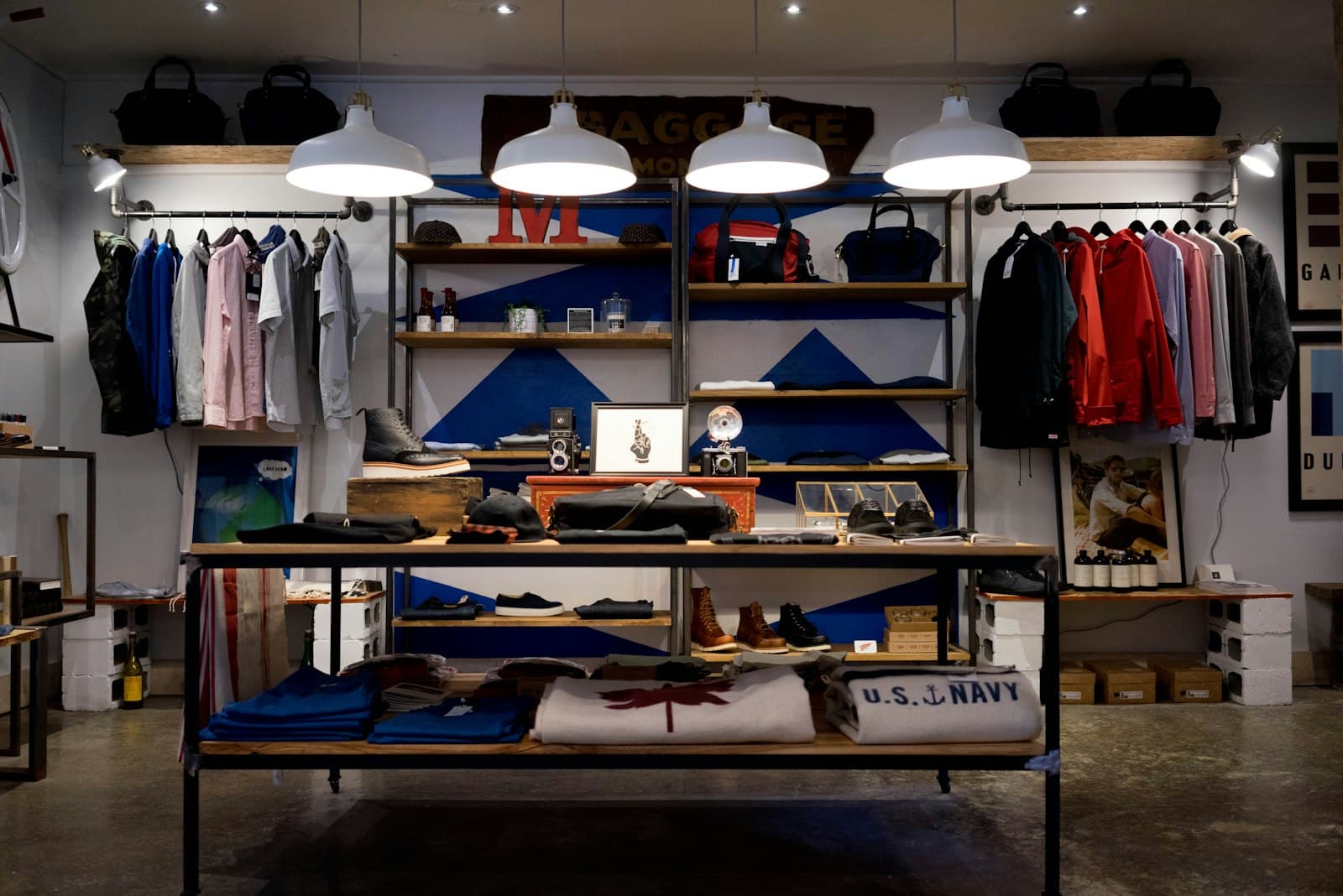
Banner — your first impression
A full-width photo with a heading and up to two buttons. Choose a height, or turn it into a split layout.
Text — say it in your own words
Your story, a promise, a policy. Pick the size, font, colour and alignment of every line without touching any code.

Image + Text
A photo on one side and your words on the other, with an optional button. Flip the sides to alternate down the page.
Feature list — three things to remember
Fast delivery
Ships the next working day.
Easy returns
Changed your mind? Send it back.
Secure checkout
Pay the way you prefer.
Gallery — a wall of photos
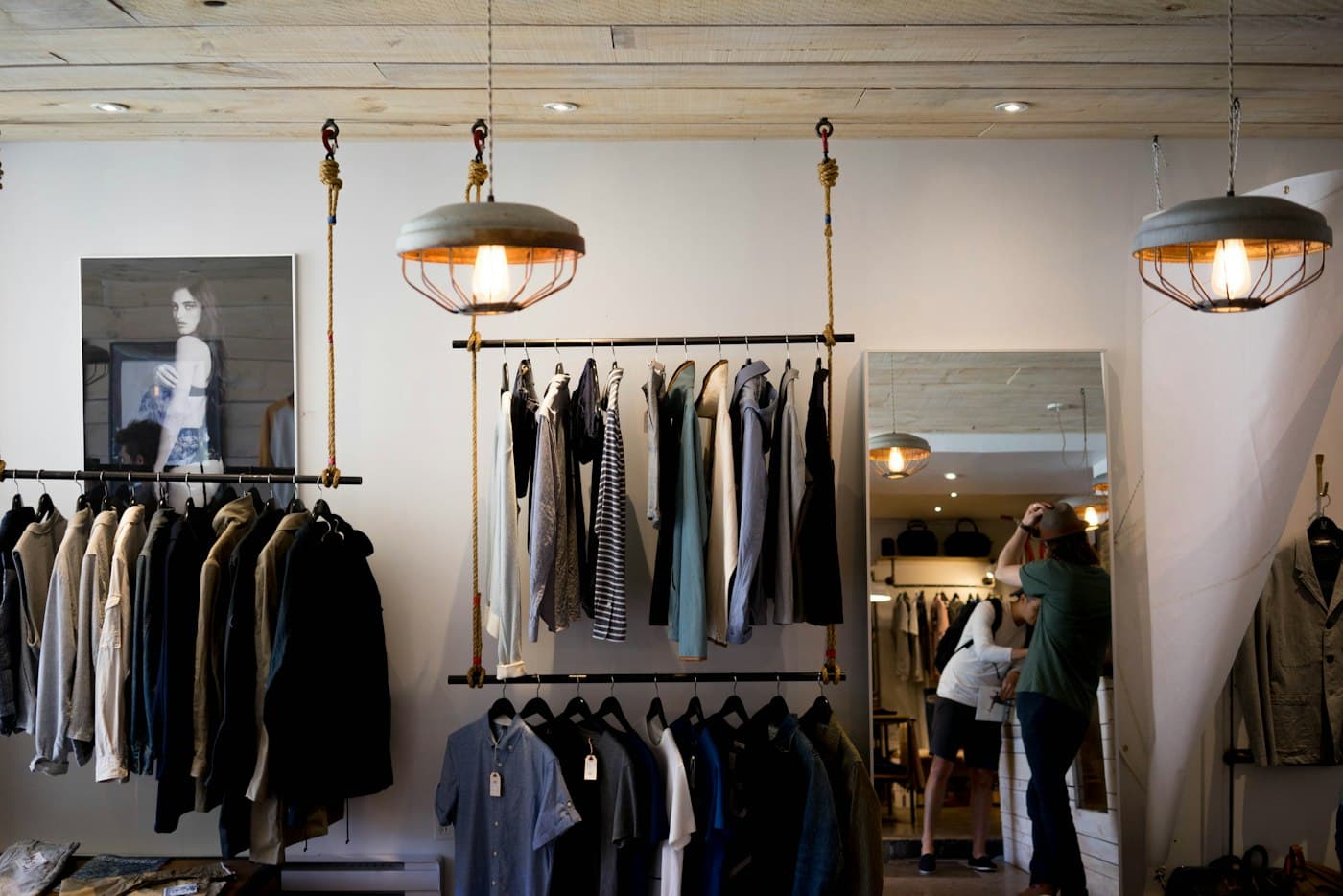
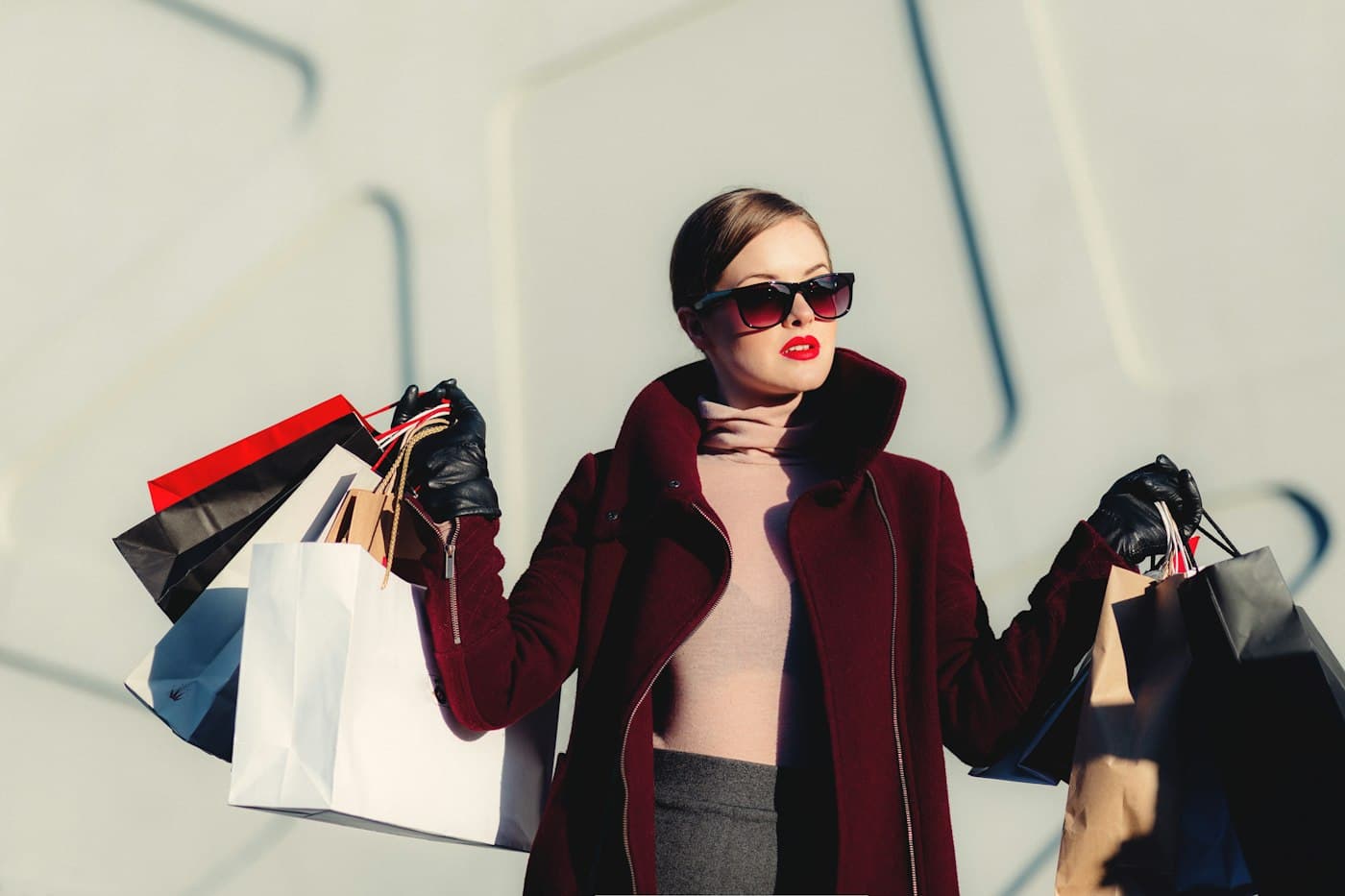
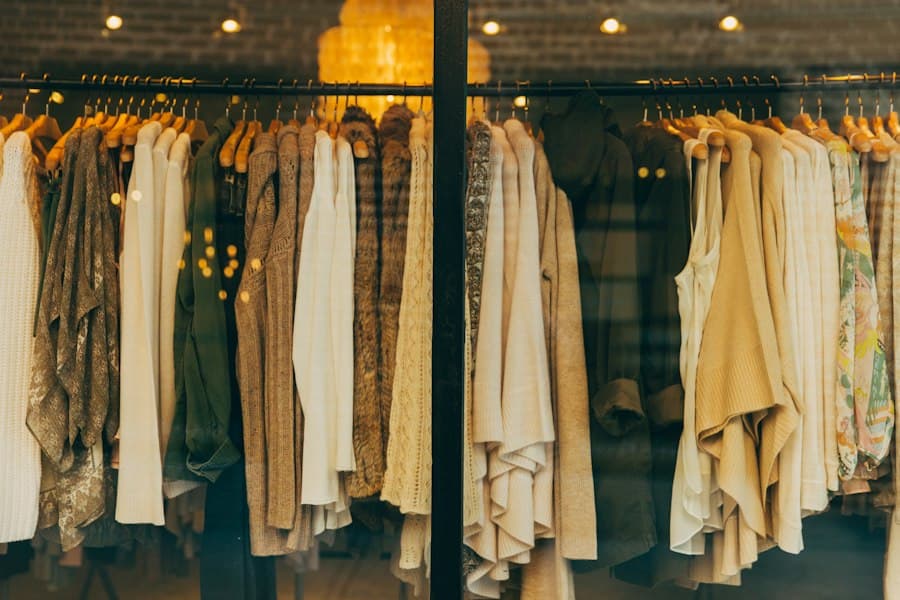
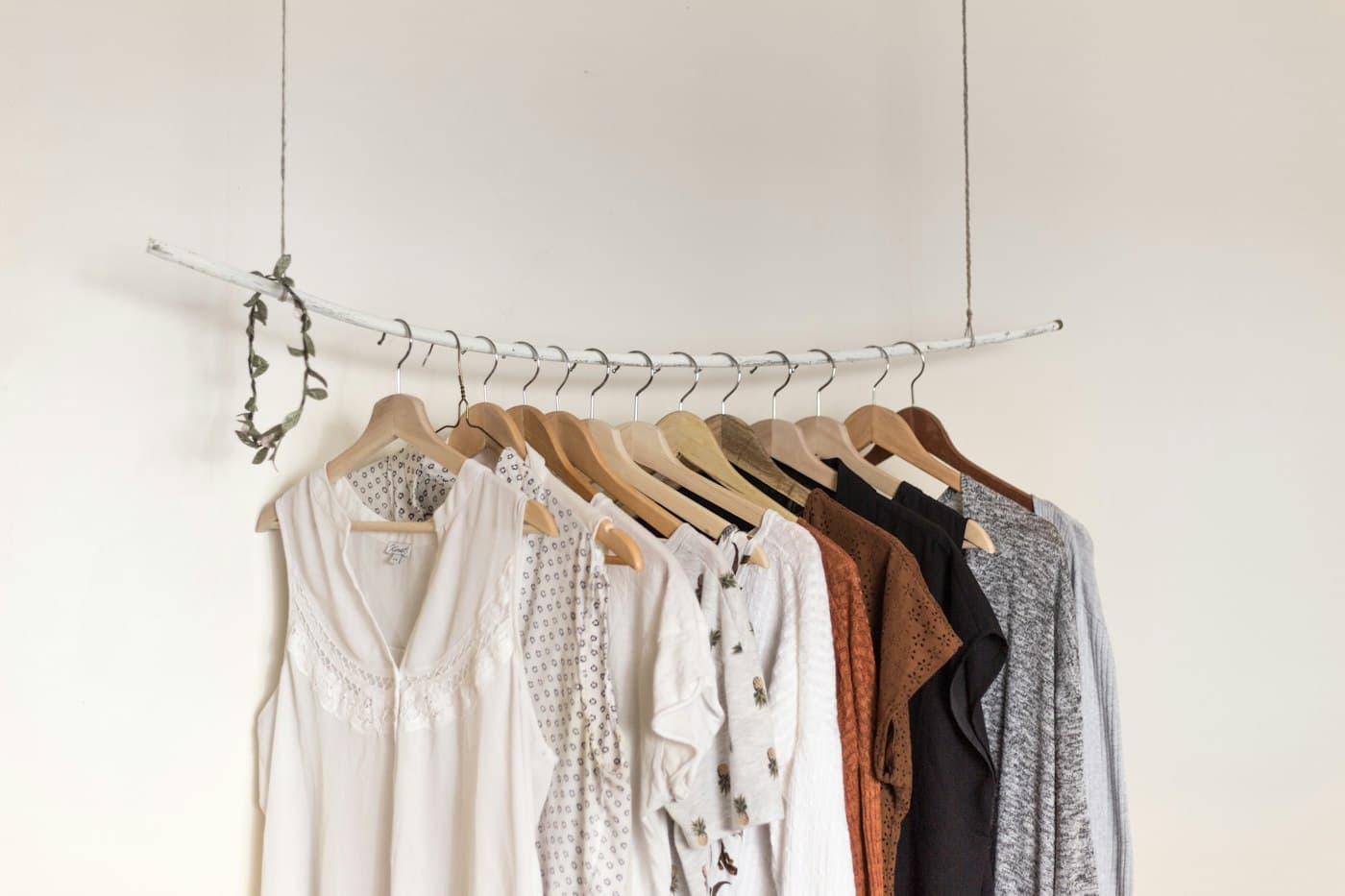
Image slider — swipe through up to ten photos
Video — paste a link
Background section — group blocks on one colour band
Put any blocks inside it, pick one of your theme's colour schemes, and let it run edge to edge. This one holds a text block and a call to action.